The site is published without any styles.
-
Check the source code of the page to ensure that the CSS path matches the domain name used in the browser’s request. If there is a mismatch, go to the site information editing page and modify the site domain name for the corresponding release channel.
-
Check whether the CSS paths referenced on the page contain a unified prefix variable: “${Prefix}”。
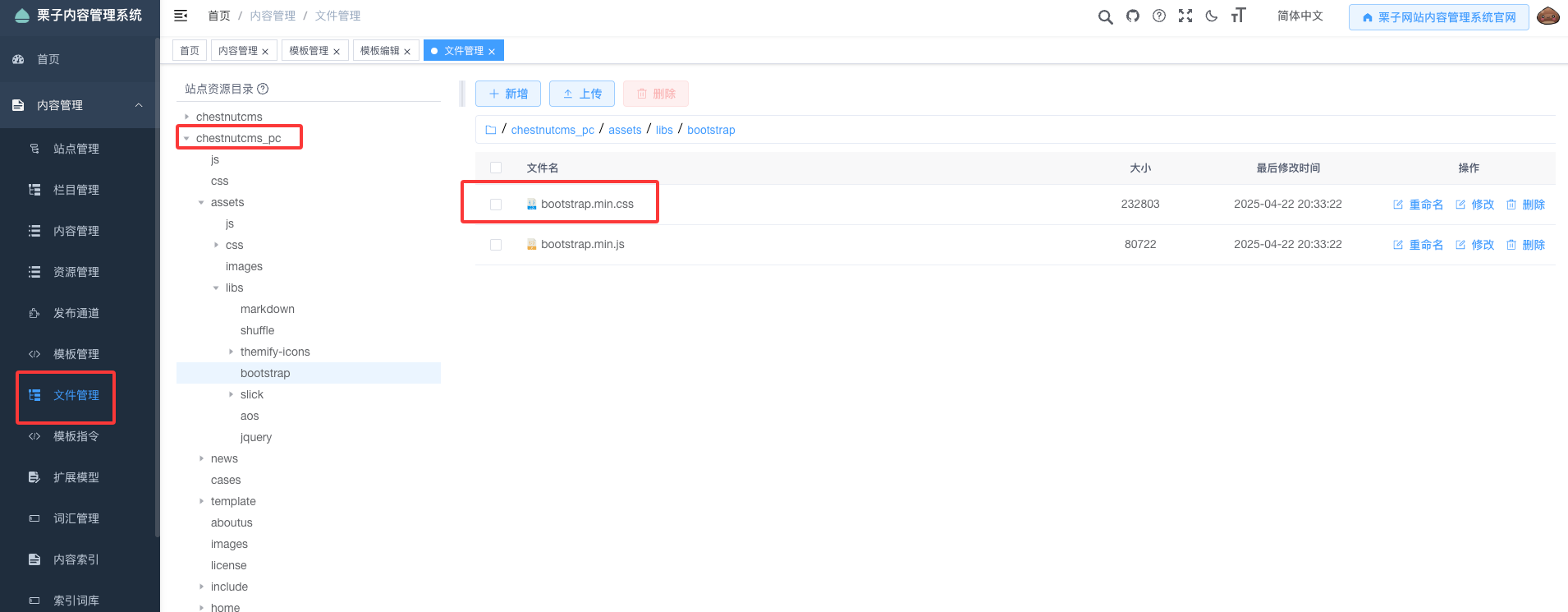
<link rel="stylesheet" href="${Prefix}assets/libs/bootstrap/bootstrap.min.css" />
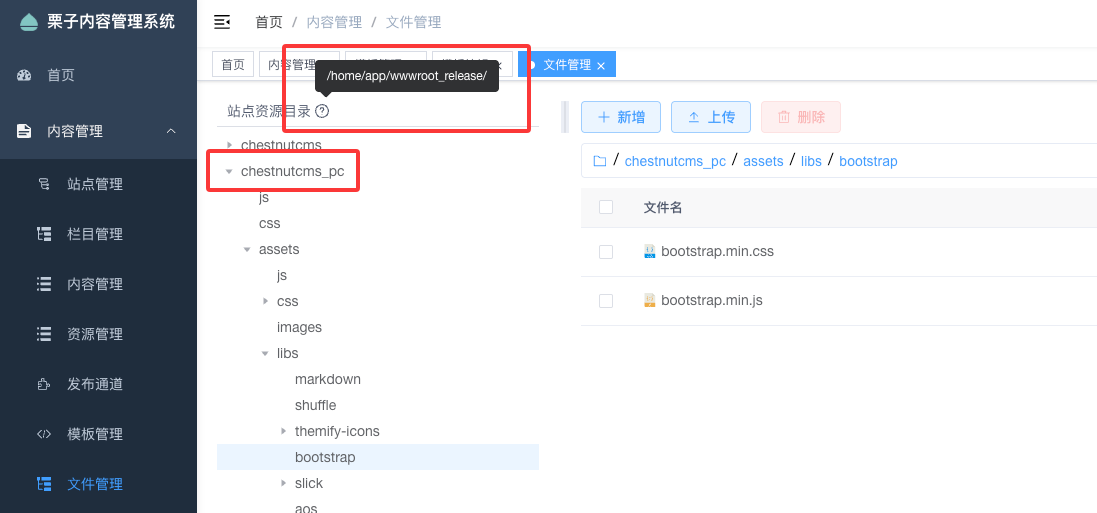
- Check whether the corresponding CSS files are present in the directory where the publishing channel is located.
- Ensure that the site directory configured in nginx is correctly set to the corresponding release channel directory. Taking the official website backend as an example, the root directory configured in nginx should be: /home/app/wwwroot_release/chestnutcms_pc/.