Insert an image gallery into the article text.
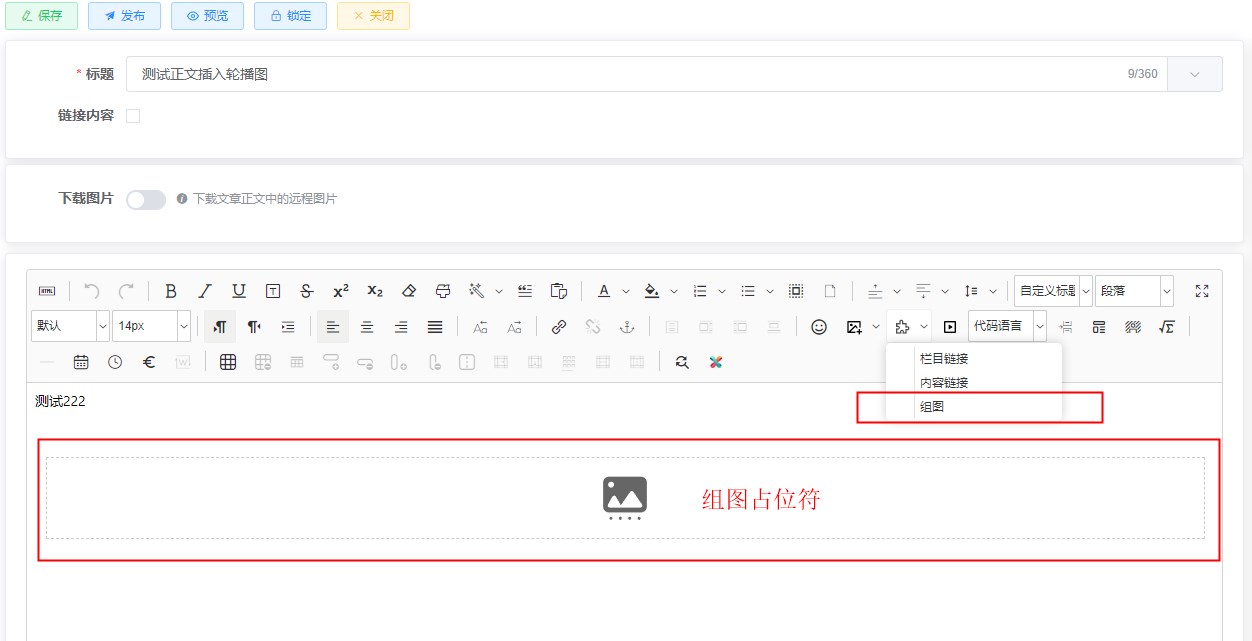
- The image types shown in the following figure are intended to be inserted into the article text as images. It is necessary to configure a content extension template for them (or you can configure them through categories).

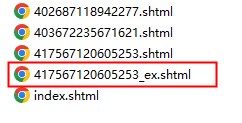
- Content extension modules set up will generate static files for the extended templates during content publishing. File name:
{content.id}_ex.{suffix}For example: 123123123_ex.shtml
- Insert an image gallery into the article text:
- For the article details page template, when retrieving the article text, it is necessary to use the dealArticleBody template function for processing.
<div class="article_container">
    <@cms_article contentId="${Content.contentId}" page="false">
        ${dealArticleBody(ArticleContent)}
    </@cms_article>
</div>
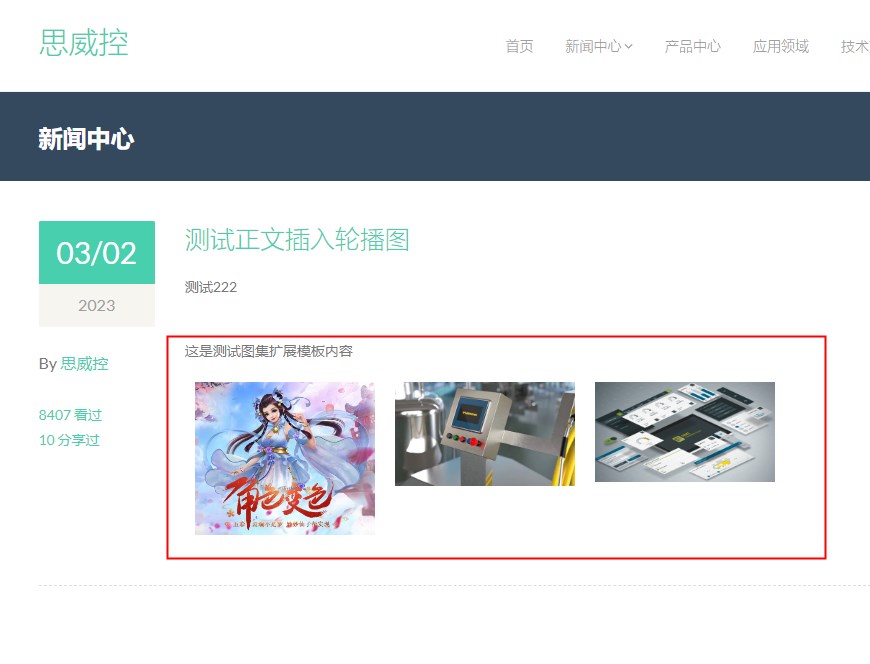
- Preview effect of the article text (In the demonstration, only the images in the gallery are displayed in a loop. The specific styling will be determined based on actual circumstances during the template development process.)
If SSI support is not enabled, updating the image galleries in the article text requires republishing all related articles.
If dynamic updates are required when SSI is not enabled, you can add a JSON publishing channel to publish the dataset content as JSON files. Use this feature in the dataset extension template:
